
Finding a device: search, filters and sorting
How the search box, the three toolbar filters, the per column filters and sorting narrow the register down.
The register is built for one job: getting from a few hundred devices to the one you care about. There are four ways to narrow it down, and they all stack.
Search
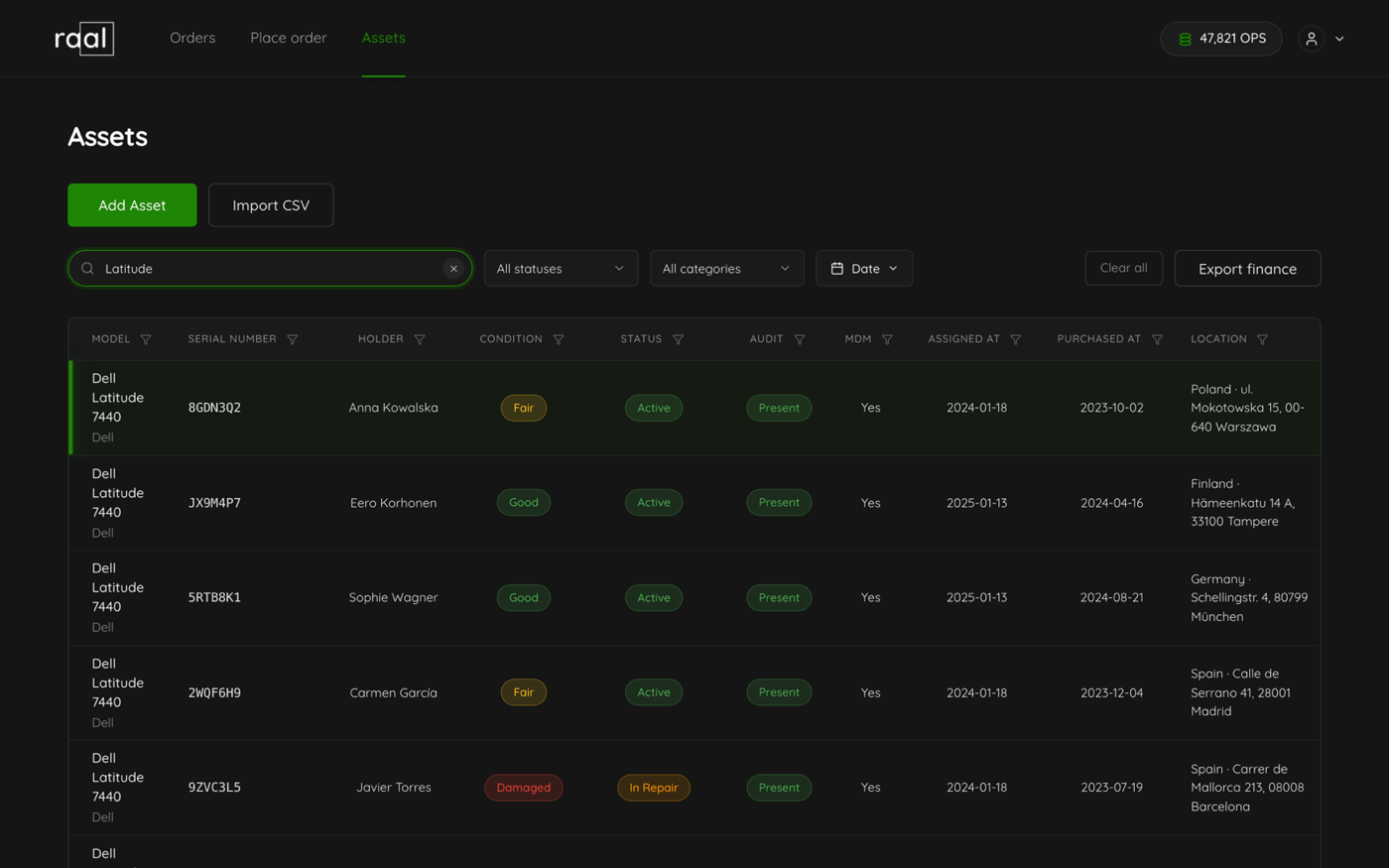
The search box at the top left reads "Search serial, model, holder or location...". It searches as you type, with a short pause so it is not firing on every keystroke, and it looks across the serial number, model, manufacturer, physical asset tag, notes, location, the holder's name and both of the holder's email addresses.
It also matches the words you can see on screen. Typing "in stock" finds devices with that status, "good" finds that condition grade, and "present" finds devices that passed their last audit. Clear it with the small x at the right of the box.
While a new result set is loading, the rows you were looking at dim rather than disappear, so the table never empties or jumps between keystrokes.
The three toolbar filters
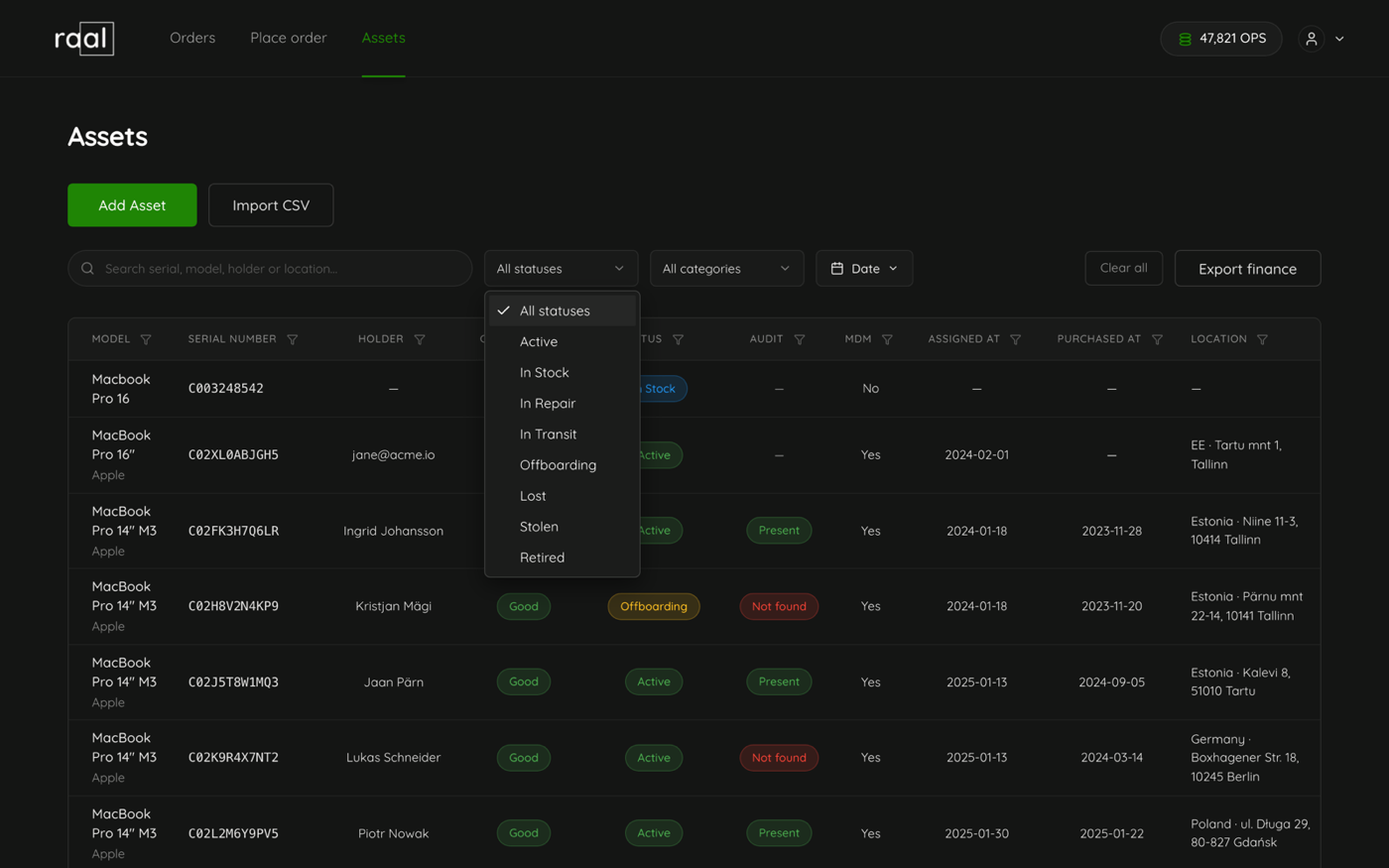
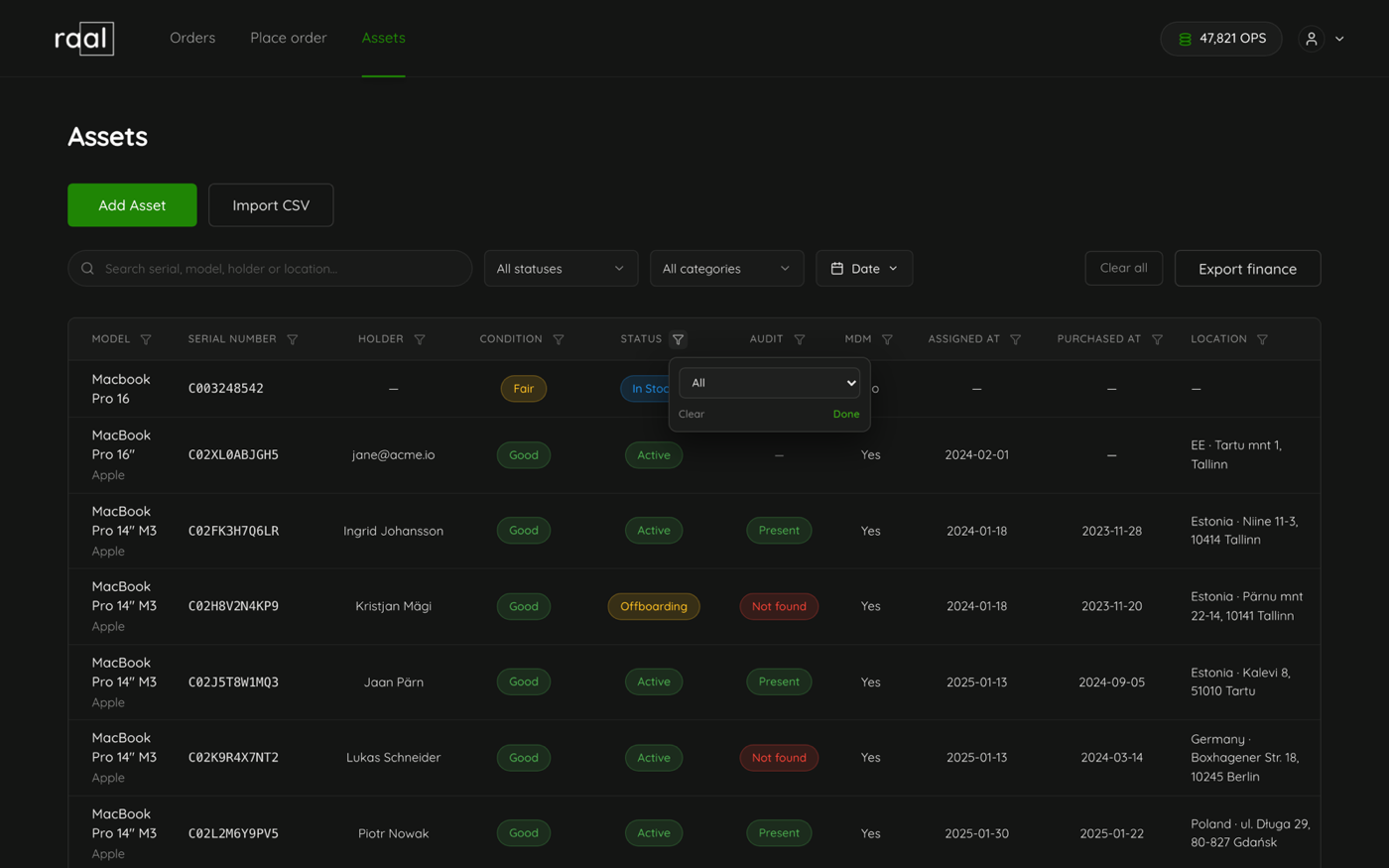
Status lists all eight statuses plus "All statuses".
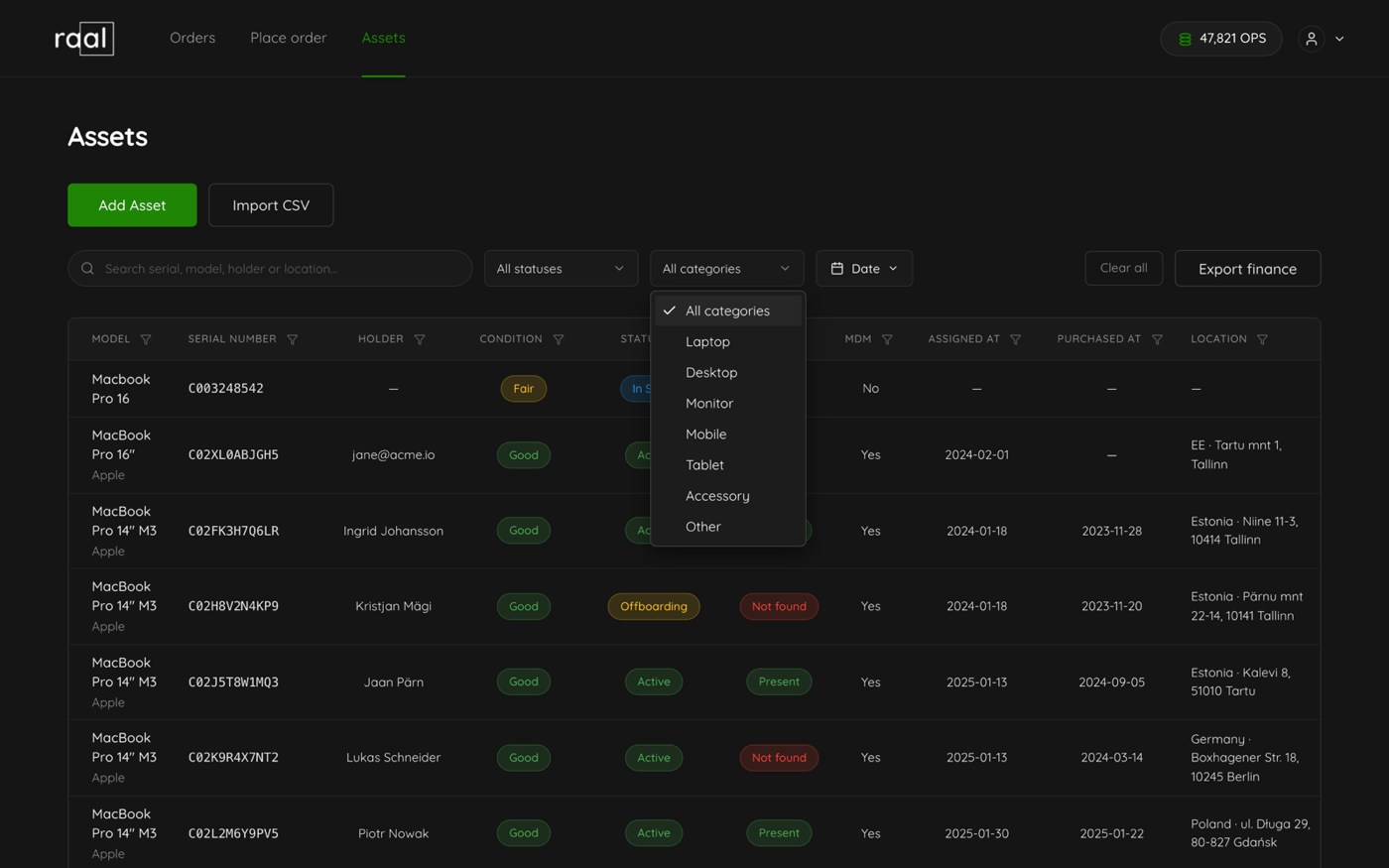
Category lists Laptop, Desktop, Monitor, Mobile, Tablet, Accessory and Other.
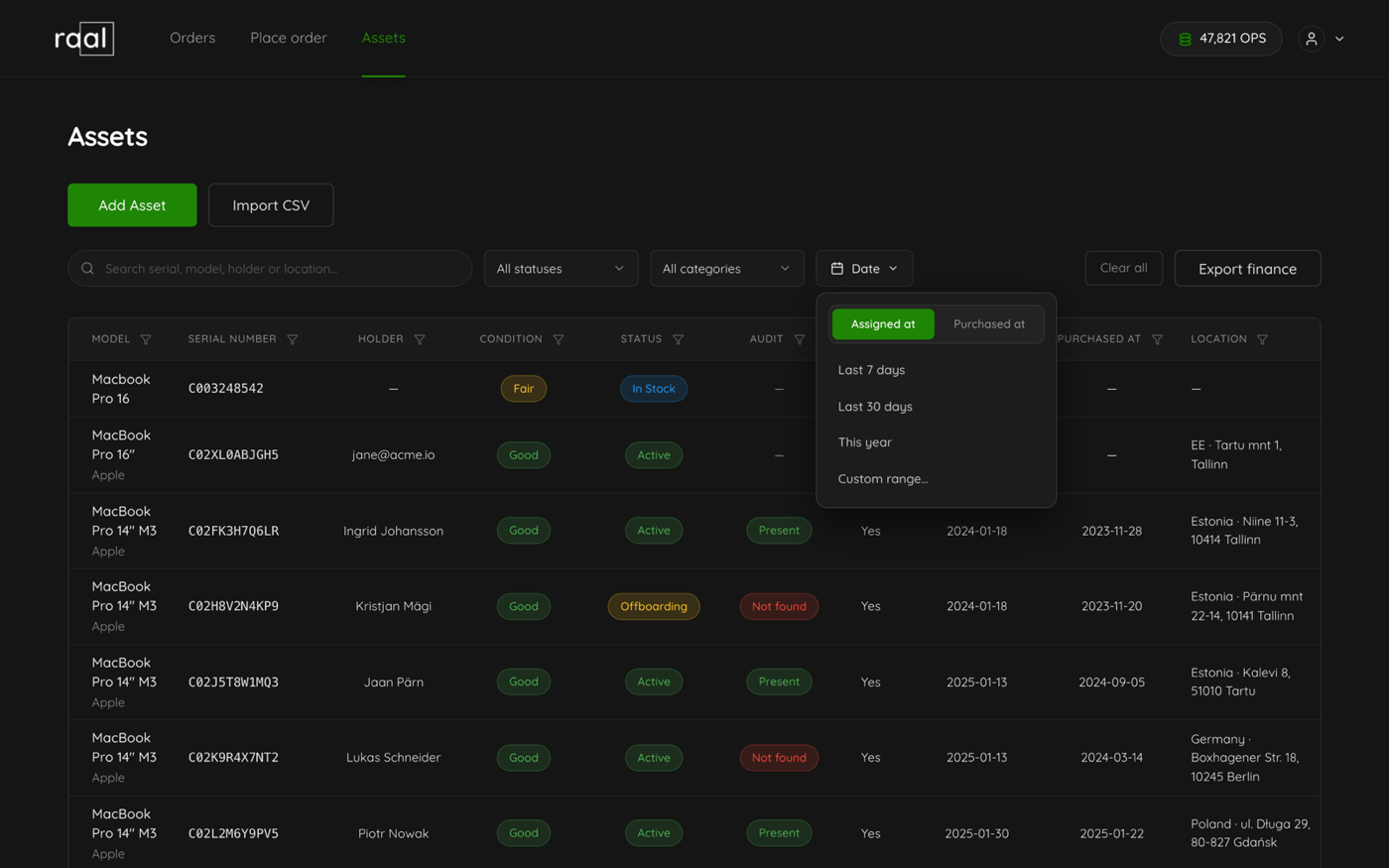
Date is the one worth knowing about. Open it and you first choose which date you mean, Assigned at or Purchased at, and then a range: Last 7 days, Last 30 days, This year, or a custom range with a from and a to. Once set, the button itself tells you what is applied, for example "Assigned at last 7 days".
Filtering one column at a time
Every column header carries a small funnel icon. Clicking it opens a popover scoped to that column: a text box for Model, Serial Number, Holder and Location, a dropdown for Condition, Status, Audit and MDM, and a from and to pair for the two date columns. Clear empties that one filter, Done closes the popover. Escape or a click outside closes it too.
Sorting
Click a column label to sort by it, ascending. Click the same label again to reverse it. A caret next to the label shows which column is doing the sorting. Model, Serial Number, Status, Audit, Assigned at and Purchased at can all be sorted.
Rows that come live from your MDM sit outside all of this. They always appear after the register rows on the first page, and search, filters and sorting leave them alone.
Starting over
Clear all in the toolbar resets everything at once: the search, all column filters, the date filter, and the page size back to 25.