
Orders and your asset register
How a shipment is linked to the device it moves, what a delivery writes back into the register, and who owns the assignment date.
Orders and the asset register are connected in both directions. Placing a shipment from a device fills the order in for you, and delivering that shipment updates the device without anyone typing anything.
Ordering a shipment from a device
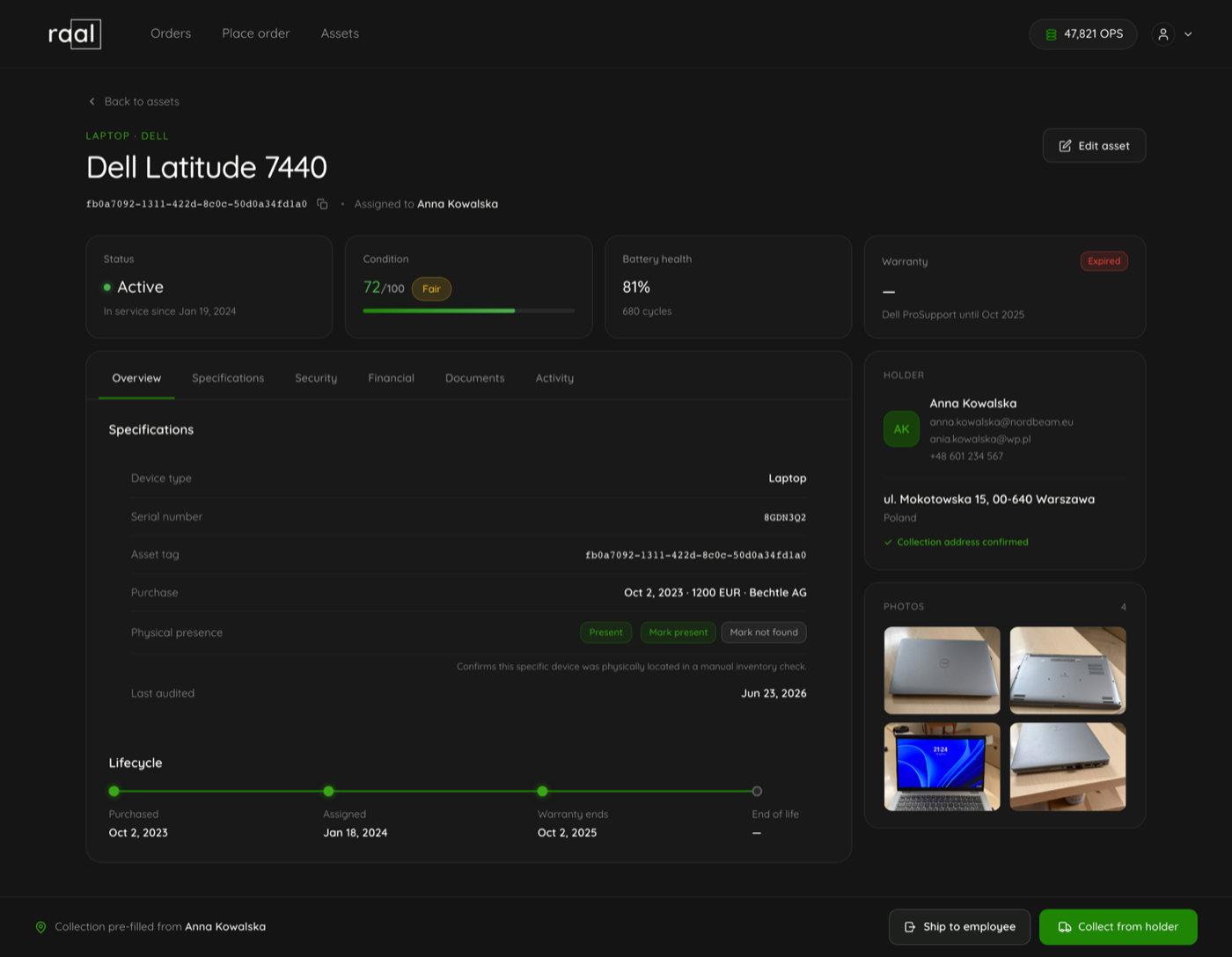
At the bottom of every device page sits an action bar with two buttons and a note telling you where the collection address is coming from, for example "Collection pre-filled from Anna Kowalska".
Ship to employee sends the device out to someone.
Collect from holder brings it back. It only appears when the device actually has a holder.
Either one opens the order wizard with the device, its value and the collection address already filled in. Because you started from the device, Raal knows which direction the shipment is going, which is what makes the write back below reliable.
Linking by serial number
If you start from the order wizard instead, type the serial into Device Serial / Model on step 3 and Raal tells you when it recognises it: "Linked to <model> in your assets".
Matching ignores capitalisation and surrounding spaces but is otherwise exact. If two devices in your register somehow share a serial, nothing is linked at all, because guessing between them would be worse than doing nothing.
Shipments placed before the device existed
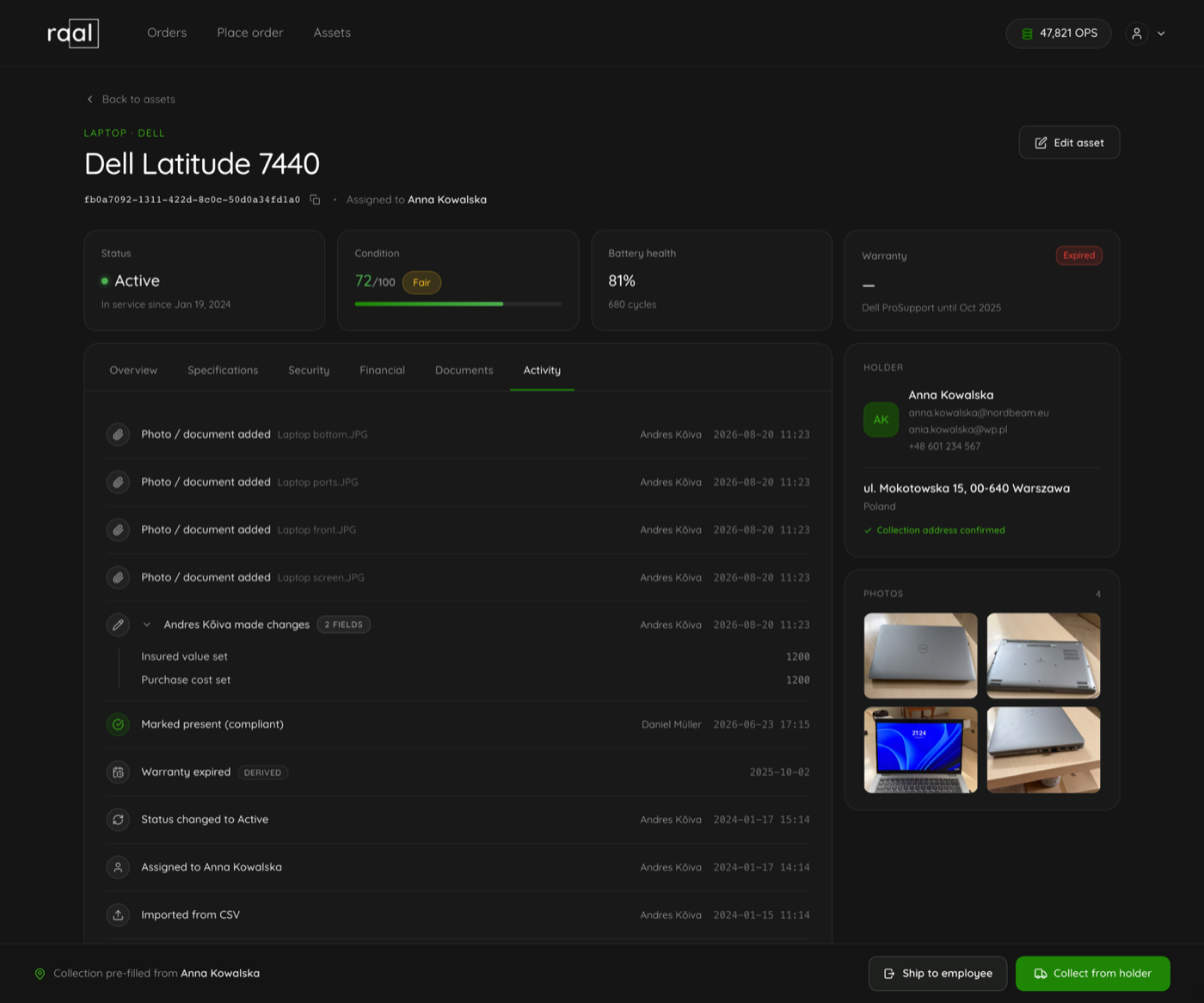
Order first, register later is fine. When you add a device, import it, or correct its serial number, Raal looks for orders you already placed that name that serial and links them up. Those shipments then appear on the device's activity trail dated when they happened.
Adopting an old shipment never overwrites the device. The row you just filled in is more current than a months old delivery, so the link is made and nothing else is touched.
What a delivery writes back
Two shipment statuses change the device:
When the device goes in transit, its status becomes In transit.
When the shipment is delivered, a shipment out sets the status to Active, makes the delivery contact the holder, sets the location to the delivery address, and dates the assignment. A collection sets the status to In stock, clears the holder and clears the assignment date.
The empty transport box travelling out to a collection point is a different thing and changes nothing on the device, because the device has not moved yet.
Who owns the assignment date
An assignment date typed by a person, in the portal or through a CSV import, is never overwritten. A delivery only sets the date when nobody has set one, and the nightly MDM sync only corrects a date that a delivery wrote, never one a person wrote. That sync reads the enrolment date from Jamf or IRU; Mosyle does not report one, so a Mosyle-only company keeps the delivery date.
The Assigned milestone on the lifecycle strip tells you which it was, with a note reading "from delivery" or "from MDM".
Going the other way
On an order, the serial number in the items list links back to the device in your register, so you can get from a shipment to the machine as easily as the reverse.